01 / TAKE IT WITH YOU
Good stories. On the go.
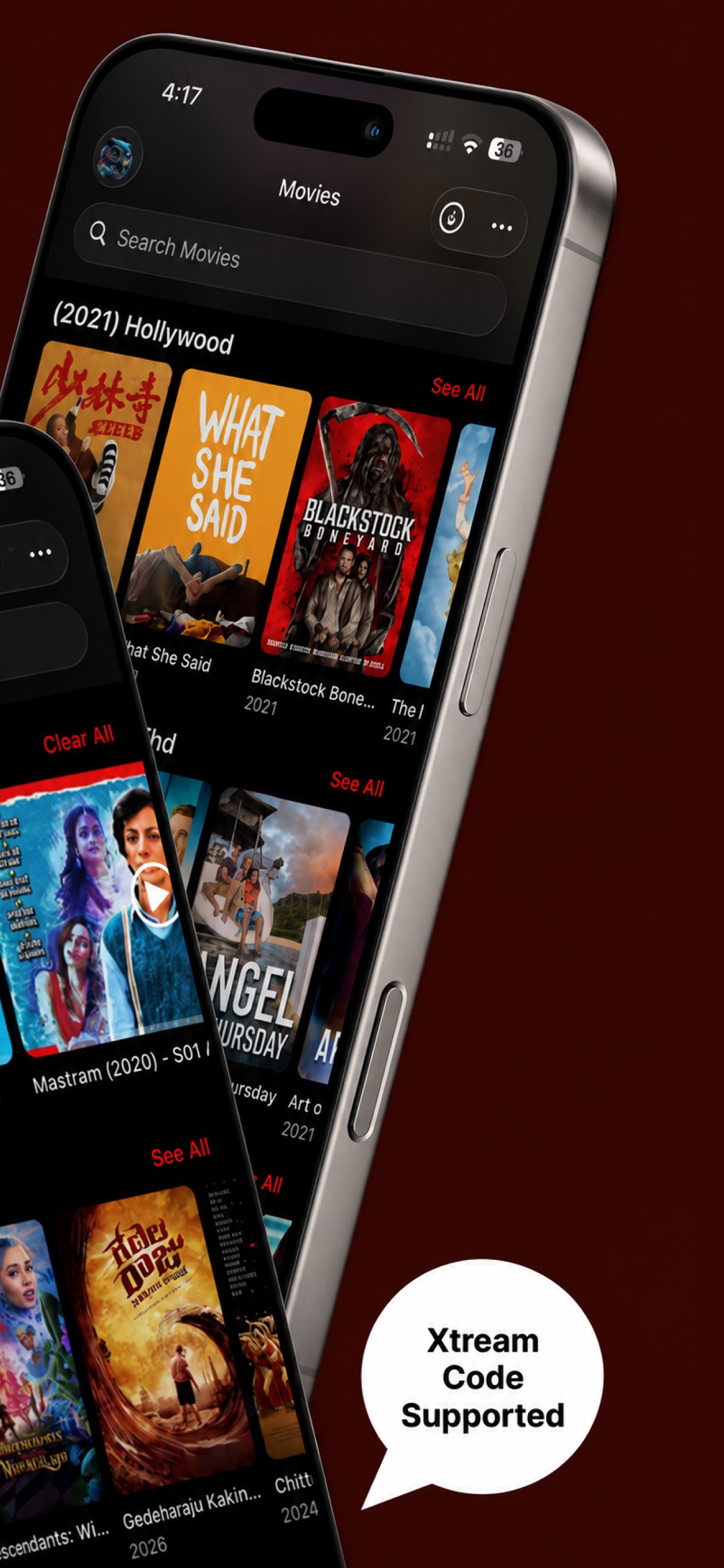
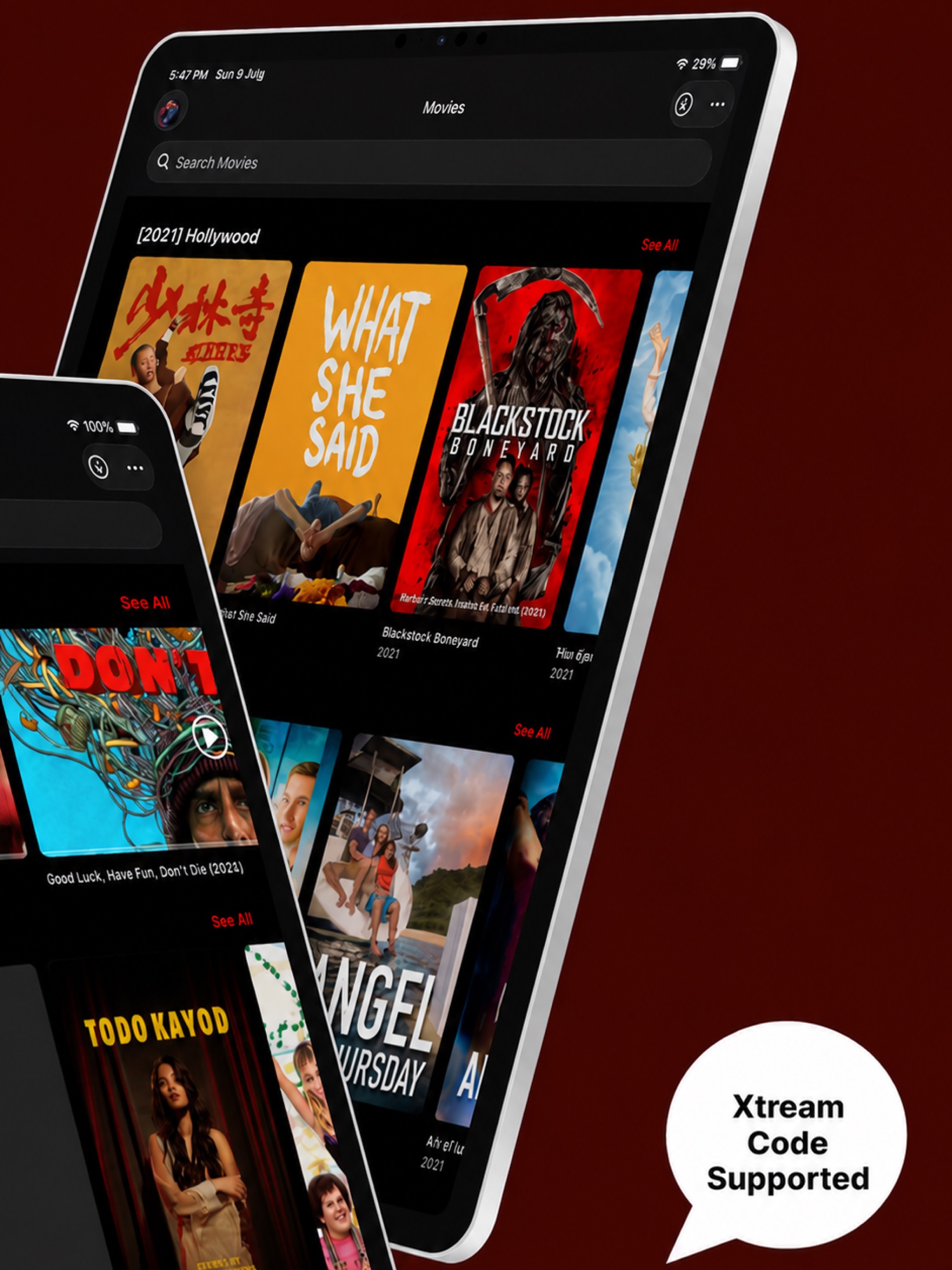
Download movies and episodes to your device. Your next flight, commute or quiet moment is covered.
No Wi-Fi? No problem.Live TV, movies and series. All beautifully together in one effortless player for iPhone and iPad.
 View full size
 View full size
All the thoughtful little details that turn
“what’s on?” into “just one more.”
Download movies and episodes to your device. Your next flight, commute or quiet moment is covered.
No Wi-Fi? No problem.Cast with AirPlay, Chromecast or DLNA. Even your downloaded videos deserve the big screen.
Your favourite spot, upgraded.Your TV guide, channel by channel. See what’s on now and what’s coming, all at a glance.
Tonight, sorted.Save the channels, movies and series you love. Find anything fast with smart search.
Gesture controls, audio and subtitles, brightness and aspect ratio. Settle into your perfect picture.
Switch between providers and accounts without logging out. Keep your whole world together.
You bring the playlist.
We’ll make it feel right at home.
Enter your Xtream Codes server, username and password, or add an M3U/M3U8 file or playlist URL.
Your channels, movies and series find their place, neatly organised into categories.
Press play, save it for offline, or cast it to your TV. The rest is up to you.
A player for your content. A valid subscription or playlist from your own provider is required.
No. Best IPTV Player is a media player only. You’ll need to add your own valid IPTV subscription or playlist from a service you’re entitled to use. We don’t provide, host or endorse media content, and we’re not affiliated with any content provider.
Use your provider’s Xtream Codes API login (server, username and password), or add M3U and M3U8 playlist files and URLs. You can keep multiple playlists and switch between your providers and accounts without logging out.
Yes. Download movies and episodes to your iPhone or iPad while you’re connected, then enjoy those downloads offline. You’ll still need a connection for live TV and content you haven’t downloaded.
Yes. Cast to a compatible TV or receiver using AirPlay, Chromecast or DLNA, including your downloaded videos. Available casting options depend on your device and receiver.
The app supports English, French, Arabic, Spanish, Italian, Portuguese, German and Turkish, with full right-to-left layouts.
Send us a message from the in-app Feedback section, or email info@smarterstv.org. For questions about your subscription, login or available channels, contact your content provider directly.
Have a question about the app, a bit of feedback,
or a business enquiry? We’re here.